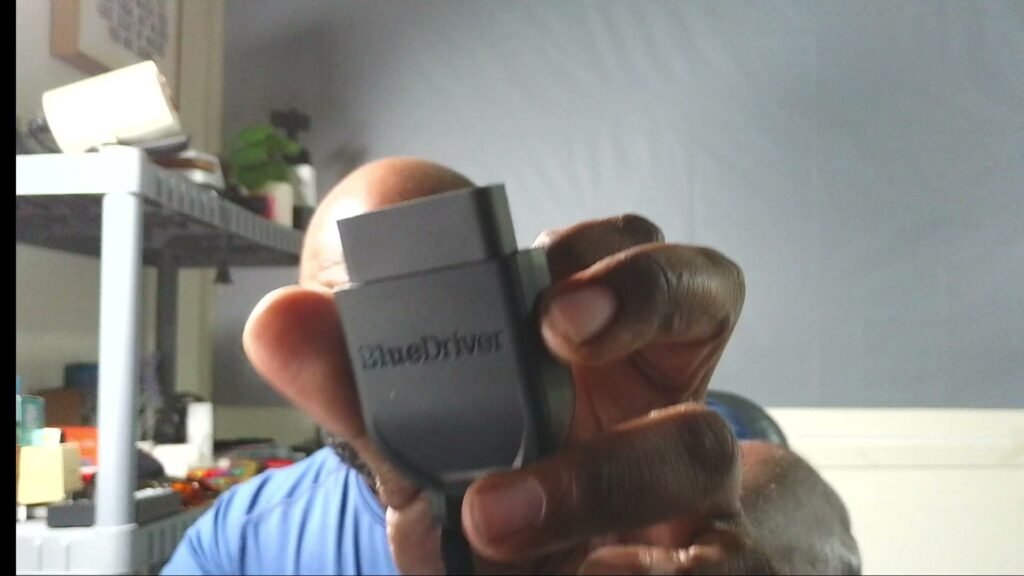
Disclosure: BlueDriver is a brand I partner with, and this is a scanner I own and run on my own car. If you buy through my link on this page, I may earn a commission at no extra cost to you.
Your car is talking. The question is whether you are listening — or whether you are paying a shop to listen for you.
That check engine light does not care what day it is. It comes on the morning you have somewhere to be, and now you have two choices: drive around wondering, or pay somebody just to plug in and tell you a code number. I got tired of both options. That is why the BlueDriver Pro OBD2 Scanner lives with my car gear, and why it has earned a permanent spot in my routine.
Quick answers
What is it? A small Bluetooth sensor that plugs into your car’s OBD2 port and pairs with the free BlueDriver app on your phone. The app reads and clears trouble codes and explains what they mean.
What does it read? Check engine codes on covered vehicles, plus enhanced codes — ABS, airbag (SRS), TPMS, and transmission — on supported makes and models.
Is there a subscription? No. Zero subscription fees and no add-ons. You buy the sensor, you download the free app, and the features are yours.
Will it work on my car? BlueDriver works with gas vehicles from 1996 and up. Enhanced-code coverage varies by make and model, so check your exact vehicle before you buy.
Get the BlueDriver Pro here: BlueDriver Pro OBD2 Scanner
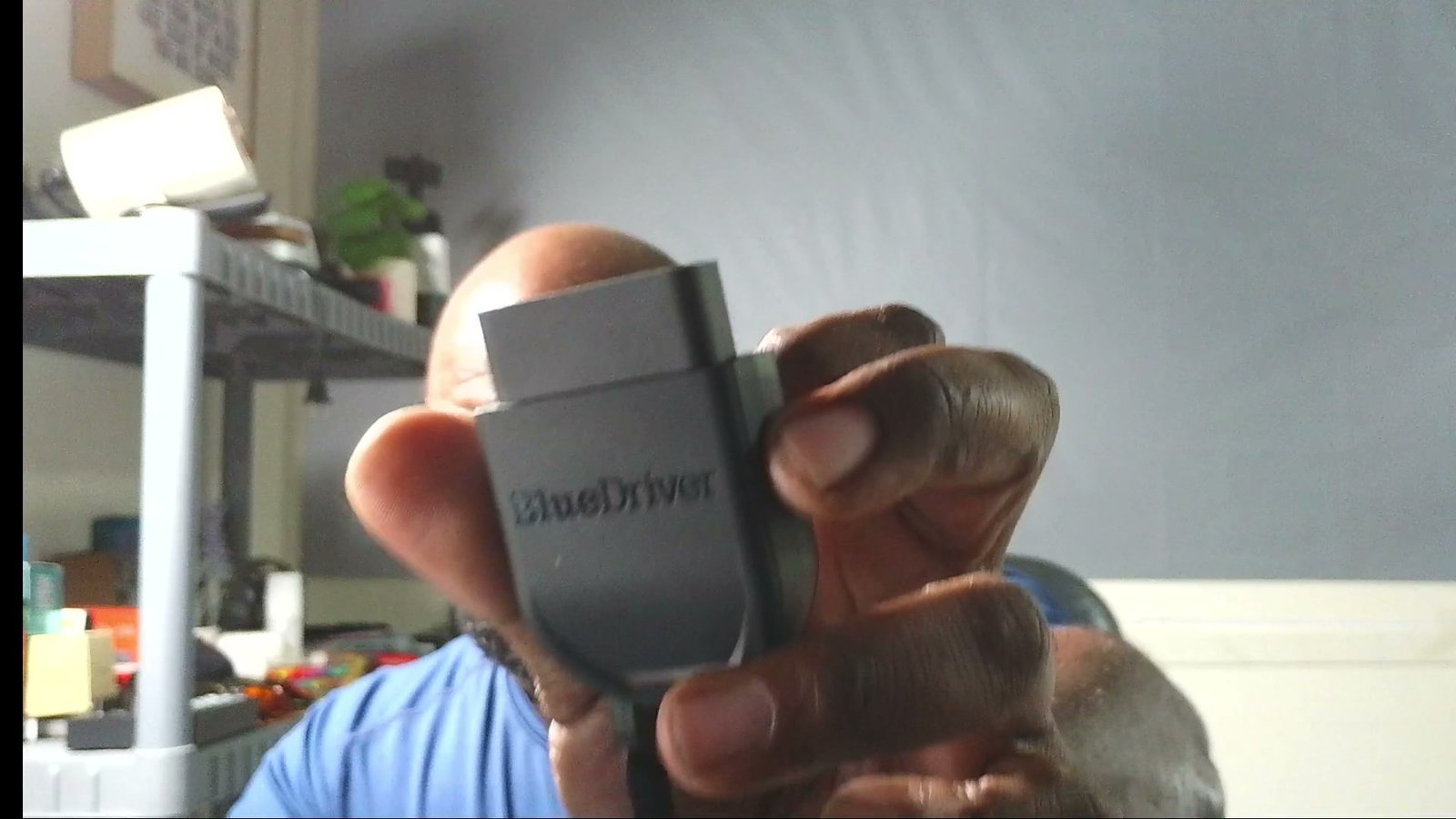
What it actually tells you when the light comes on
A cheap code reader gives you a number and wishes you luck. A number by itself does not fix anything — you end up searching forums at midnight, reading five different guesses from five different strangers.
BlueDriver takes it a step further. For each code, the app builds a Repair Report for your specific vehicle: possible causes, and the fixes other drivers and mechanics have reported for that code on that car. That is the difference between knowing a code exists and knowing where to start. When I ran my full scan demo, the app walked from the scan menu to a “3 Codes Found” result screen, and each code sat right there with its report behind it. No guessing, no forum spiral.
It also saves your scans in the app, so you can go back and compare. A code that showed up once in the cold is a different story from a code that keeps coming back, and having the history in your pocket makes that call a lot easier.
More than engine codes
Engine codes are the headline, but they are not the whole tool. On supported vehicles, BlueDriver reads enhanced codes too — ABS, airbag, TPMS, and transmission. Those are the lights a basic reader usually cannot touch, and they are the ones that send people straight to a shop counter.
You also get live data while the car runs, freeze frame data (a snapshot of the vehicle at the moment a code was stored), Mode 6 test results, and a smog check feature that tells you whether the vehicle is ready for an emissions test before you drive down there and find out the hard way.
What to know going in: enhanced coverage is not identical on every vehicle. The check engine reading is the core job on 1996-and-up gas vehicles; the deeper systems depend on your make and model. BlueDriver has a compatibility check for exactly that — run your vehicle through it first so you know what you are getting.
The no-subscription part matters
A lot of tools look cheap at checkout and then start charging you to keep using what you already bought. That is not how this one works. BlueDriver says it plain: no subscriptions, no add-ons, ever. One purchase, the free app, and the full feature set stays unlocked.
For a working man, that math is the whole review. One avoided trip to a shop for a diagnostic read can cover a real piece of what this tool costs — and every scan after that is already paid for. That is a big reason I land on calling it a strong pick for the best obd2 scanner for the money: the value is not a low sticker, it is that the meter never starts running again.
How it works, start to finish
There is no toolbox ceremony here. The sensor plugs into the OBD2 port under your dash — in my footage you can watch my hand plug it in and the app go through its “Connecting to Sensor” pairing on screen. From there it is all on your phone: pick Scan Vehicle, let it run, read the results.
When a code is fixed, you can clear it from the app too — my walkthrough footage shows the Clear Trouble Codes screen right in the same flow. Read it, understand it, fix it, clear it, and watch whether it comes back. That loop is the whole game, and this tool puts it in your hands instead of a service desk.
And because it runs through your phone, it pairs well with the rest of your in-car setup. If your phone is bouncing around the cabin while you work, a solid mount matters — I covered one that survives real truck bumps in my LISEN MagSafe phone mount review.
Who this is for
If you drive an older car or truck and you are the one who deals with it when a light comes on, this is built for you. If you buy used vehicles and want to scan before money changes hands, this belongs in your pocket when you go look. If you would rather understand a problem before a shop explains it to you — with a price attached — this is your first step.
If you run a full shop with a lift and a wall of diagnostic gear, you already own bigger tools. And if your car is brand new and every light is a warranty conversation, let the dealer earn their money. BlueDriver is for the rest of us — the folks in between, keeping real vehicles on the road with our own hands.
My take
I am a delivery driver. My days run on vehicles, and a mystery light is not a small thing in my world — it is a schedule problem, a money problem, and a stress problem stacked together. The BlueDriver Pro takes the mystery out. I plug it in, the app pairs, and I know what I am dealing with before I make a single phone call.
That is why it stays in my kit. It reads the codes, explains them in plain language with a repair report behind each one, covers more systems than a basic reader where my vehicle supports it, and it never asks me for a monthly fee to keep doing it. If you are shopping for the best obd2 scanner for the money — one you buy once and use for years — this is the one I point people to, because it is the one I use myself.
Ready to hear what your car has been trying to tell you? Get the BlueDriver Pro OBD2 Scanner here and run your first scan the day it lands.