This post contains affiliate links. If you buy through them, BuySmart Daily may earn a commission at no extra cost to you. We only feature products we’ve actually used and tested.
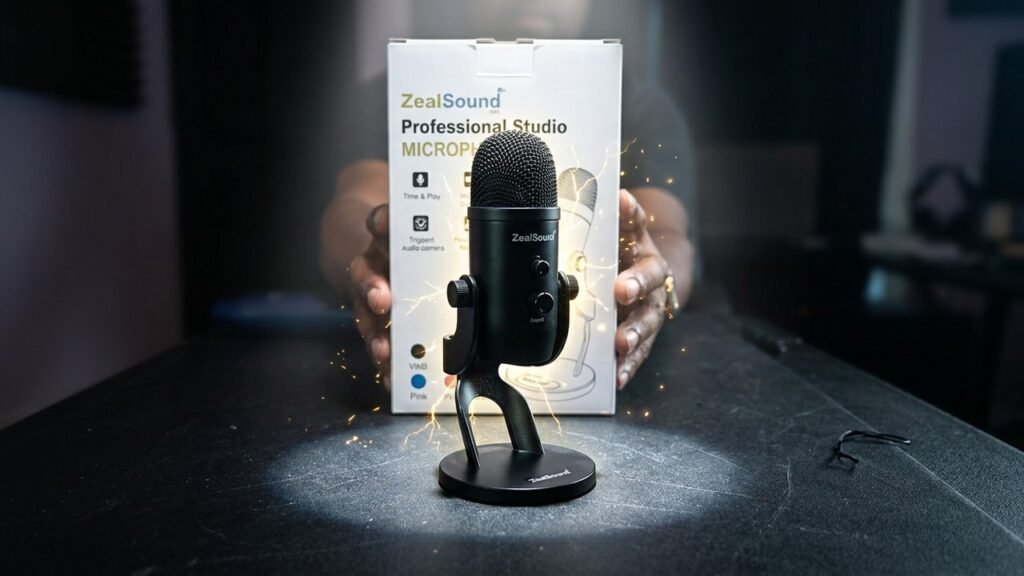
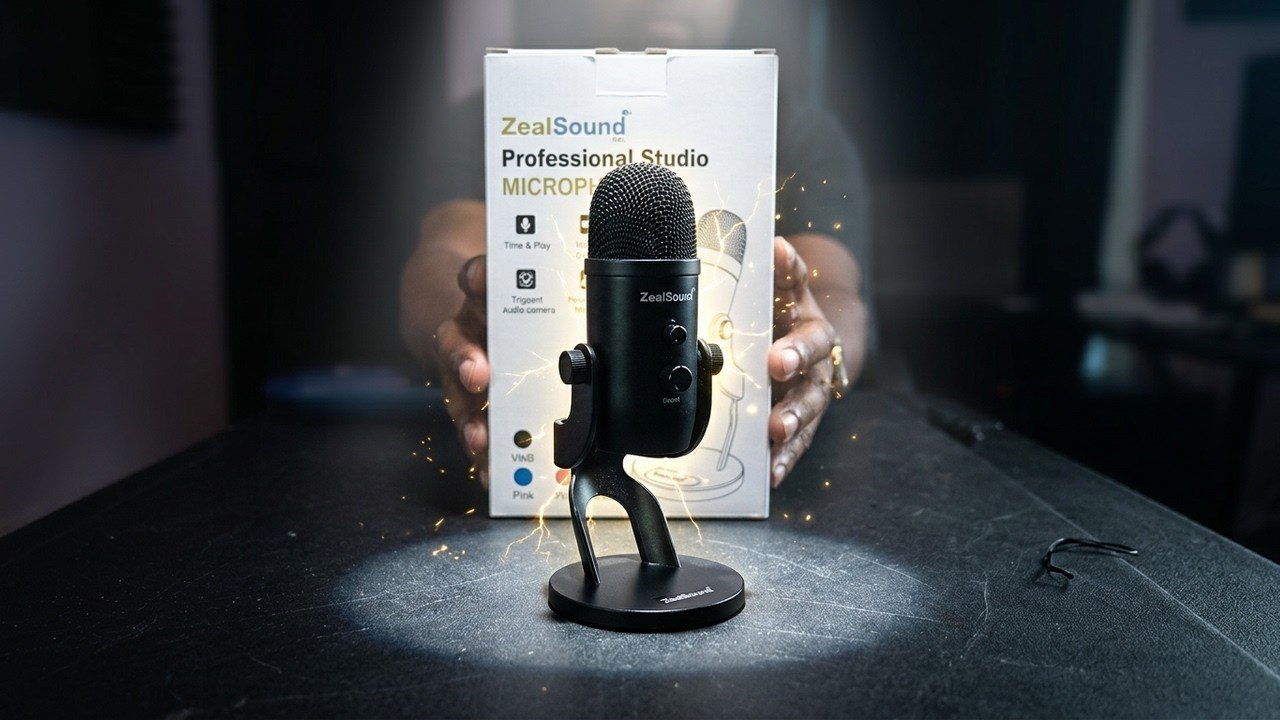
If you’re shopping for the best USB mic that just works — no interface, no drivers, no studio — the ZealSound K66 is the one to look at first. It’s a plug-and-play condenser mic with real knobs on the mic itself: gain, monitoring, echo, and mute. I’ve run it through calls, recordings, and streams, and this review covers where it shines and where you should be honest with yourself before buying.
ZealSound K66 at a Glance
- Cardioid condenser USB microphone, plug-and-play on PC and Mac
- On-mic gain, monitoring volume, echo, and one-touch mute
- Noise-reduction mode (hold the mute button) for keyboard clicks and fan hum
- Zero-latency monitoring through the 3.5mm headphone jack
- USB-C and Lightning adapters included — works with iPhone, iPad, Android, PS4, and PS5
- In the box: mic, desk stand, USB cable, foam windscreen
Is the K66 Good for Podcasting?
For a starter podcast or a voice-over setup, yes — with honest limits. The cardioid pattern focuses on your voice and rejects a lot of room noise, and the gain knob lets you dial in your level without opening software. It will not sound like a studio XLR chain, and it is thinner on low-end warmth than a bigger mic. But for spoken content recorded at a desk, it sounds clear, present, and professional enough that nobody listening will ask what mic you used.
What About Streaming and YouTube?
Same story, and this is where the on-mic controls earn their keep. Streaming means adjusting on the fly — mute between takes, ride the gain when you get excited, check your levels through the headphone jack before you go live. The K66 does all of that from the mic itself, no app needed. For gaming chat, voice-over, and talking-head videos, it is a strong fit.
Is It Good for Zoom Calls and Online Classes?
This is where the K66 shines brightest. Calls are its home turf: clear voice, no echo, and the noise-reduction mode knocks down the keyboard clicks and fan hum that make laptop mics sound terrible. If you spend your day on Zoom, Meet, or Discord, the jump from a built-in laptop mic to the K66 is the single biggest audio upgrade you can make for the money.
Does It Pick Up Keyboard Noise?
Out of the box, some — it is a sensitive condenser mic, and it hears the room. Two fixes: get close to the mic and turn the gain down, and hold the mute button to switch on noise reduction, which is built specifically for keyboard clicks, PC fans, and air conditioner hum. In a normal room with the gain set right, keyboard noise drops to a non-issue.
Does It Work With a Phone?
Yes — the included USB-C and Lightning adapters let it plug straight into an iPhone, iPad, or Android phone. That makes it a real option for recording voice-overs, TikToks, or interviews away from the desk without carrying an interface.
What Is the Echo Control For?
The echo knob adds a touch of reverb to your voice — useful for singing, streaming, or a little polish on voice work. For straight podcasting and calls, leave it off. It is a fun extra, not a reason to buy the mic, and it is easy to overdo.
Pros and Cons
Pros: true plug-and-play, no drivers; gain, monitoring, echo, and mute on the mic; noise-reduction mode that actually helps; zero-latency headphone monitoring; works with phones and consoles via included adapters. Cons: no shock mount or effective pop filter included; sound is clear but slightly bright and thin on warmth; desk stand can loosen over time; not a studio-grade mic, and it does not pretend to be.
Who Should Buy It?
Buy it if you need one mic for calls, classes, streaming, and starter podcasting and you want it working in two minutes. Skip it if you record long-form podcasts weekly and care about tonal accuracy above all — that is XLR-and-interface territory, and no USB mic fixes it.
Keep Reading
Building out the desk this mic sits on? My PowerStep Pinnacle insoles review covers the other half of long desk days — your feet — and for the audio going the other way, the JLab JBuds Lux ANC review covers the headphones I use to unwind.
Bottom Line
The best USB mic for most people is the one that gets out of the way — and the ZealSound K66 does exactly that. Plug it in, set the gain, and talk. For calls, classes, streaming, and first podcasts, it is the easy pick.
Pingback: EMEET C960 Review: Big Webcam Upgrade Without the Big Price
Pingback: Hayner Seek XY920 Review: Wired Monitoring, Zero Headaches
Pingback: NiceVeedi Lights Review: Easy Setup, Real Brightness